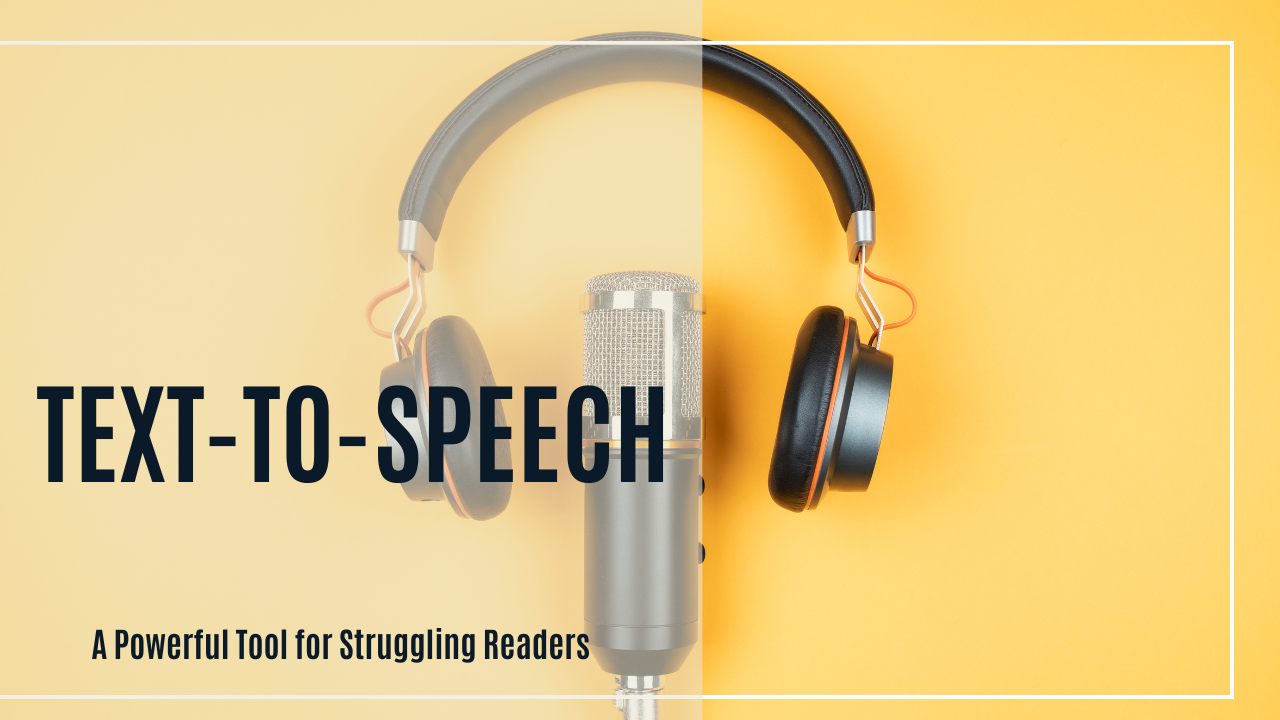
Using Text-to-Speech: A Powerful Tool for Struggling Readers
- Posted by Sandra D
- Categories Dyslexia, Technology
- Date August 5, 2025
- Comments 0 comment
Using Text-to-Speech: A Powerful Tool for Struggling Readers
For students with dyslexia or other reading challenges, reading printed text can be exhausting and discouraging. Fortunately, text-to-speech (TTS) technology can provide powerful support by reading digital text aloud. This not only helps students access grade-level content more independently but also boosts confidence, comprehension, and engagement.
What Is Text-to-Speech (TTS)?
Text-to-speech is a type of assistive technology that converts written words into spoken words. With TTS, students can listen to books, assignments, emails, or web pages while following along visually. It can be a game-changer for learners who struggle with decoding but still want (and deserve!) access to the same material as their peers.
Benefits of Using TTS for Learners with Dyslexia
- ✅ Increases reading independence
- ✅ Reduces frustration and fatigue
- ✅ Improves comprehension and vocabulary
- ✅ Reinforces sight word recognition through hearing and seeing words together
- ✅ Supports writing by reading text back to the student
How to Access Text-to-Speech Tools
The good news is that TTS tools are widely available—and many are free! Here are some easy ways to get started:
1. Built-In Device Tools
📱 iPhone/iPad (iOS)
- Go to Settings > Accessibility > Spoken Content
- Turn on Speak Selection or Speak Screen
- Use two fingers to swipe down from the top of the screen to hear the content read aloud
💻 Mac
- Go to System Settings > Accessibility > Spoken Content
- Enable “Speak selection” or “Speak items under the pointer”
💻 Windows
- Use Narrator (built-in screen reader)
- Settings: Start > Settings > Accessibility > Narrator
- Or use Microsoft Edge Read Aloud feature for webpages and PDFs
📱 Android
- Go to Settings > Accessibility > Select to Speak
- Tap the icon and select text to be read aloud
2. Chrome Extensions
- Read Aloud – Free extension that reads text from web pages
- Natural Reader – Offers high-quality voices and settings for pace and voice
- Google Text-to-Speech – Works on Android and with Chrome-based devices
3. Apps and Platforms
- Bookshare – A free service for eligible students with dyslexia that includes TTS for thousands of titles
- Voice Dream Reader – Highly customizable reading app for iOS and Android
- Learning Ally – Human-read audiobooks for students with reading disabilities
- Microsoft Immersive Reader – Free tool included in many Microsoft products (Word, OneNote, Edge)
4. Web Browsers
- Microsoft Edge: Use “Read Aloud” built into the browser for websites and PDFs
- Google Docs: Use Chrome extensions like Read Aloud or enable TTS through accessibility settings
Tips for Success
- Start slow—use TTS with shorter assignments or high-interest reading material
- Pair TTS with physical books so learners can follow along visually
- Adjust voice speed and type to match the student’s preferences
- Encourage students to use TTS when editing their writing—it helps them hear mistakes they might miss when reading silently
Final Thoughts
Text-to-speech isn’t about replacing reading—it’s about supporting it. For learners with dyslexia or other reading differences, TTS opens doors to information, learning, and enjoyment that might otherwise be locked. It’s one more tool to help students grow into confident, independent readers.
At Apricot Tree Academy, we support using tools like TTS to build accessibility and success into every step of the learning journey.
Join Our Dyslexia Intervention Program
At Apricot Tree Academy, we are committed to transforming the learning experience for students with dyslexia. Our evidence-based, multisensory structured literacy approach ensures that each child receives the support they need to thrive academically and beyond.
If you’re looking for an effective dyslexia intervention program, contact us today to learn how we can support your child’s journey to literacy success.

You may also like
Book Review: Knees
Book Review: The Dyslexia Empowerment Plan